
git : https://github.com/psmon/memorizer-v1
위 오픈소스를 Pull한후
로컬 인프라 구동 - 팀메모리
docker compose up -d
- 로컬구동
- - Start PostgreSQL with pgvector (port 5432)
- Start PgAdmin (port 5050)
- Start Ollama (port 11434)
- Start Memorizer API (port 5000) - LLM,Embedding
- ollama가 작동되며 , 외부 LLM이용시 아래 파일 조정
- - Start PostgreSQL with pgvector (port 5432)
LLM 모델변경
appsettings.json
{
  "Logging": {
    "LogLevel": {
      "Default": "Information",
      "Microsoft.AspNetCore": "Warning"
    }
  },
  "AllowedHosts": "*",
  "ConnectionStrings": {
    "Storage": "Host=localhost;Port=5432;Database=postgmem;Username=postgres;Password=postgres"
  },
  "Embeddings": {
    "ApiUrl": "http://localhost:11434",
    "Model": "all-minilm:33m-l12-v2-fp16"
  },
  "LLM": {
    "ApiUrl": "http://localhost:11434",
    "Model": "qwen2:0.5b",
    "Timeout": "00:02:00"
  },
  "Server": {
    "CanonicalUrl": "http://memorizer-test.local:5012"
  }
}
로컬 어플리케이션구동 - 로컬MCP
dotnet publish -c Release /t:PublishContainer
- dotnet 미설치시 리눅스 dot net sdk 9 설치법 GPT에 문의...
{
  "mcpServers": {
    "memorizer": {
      "url": "http://localhost:5000/sse"
    }
  }
}
메모리 검색및 생성
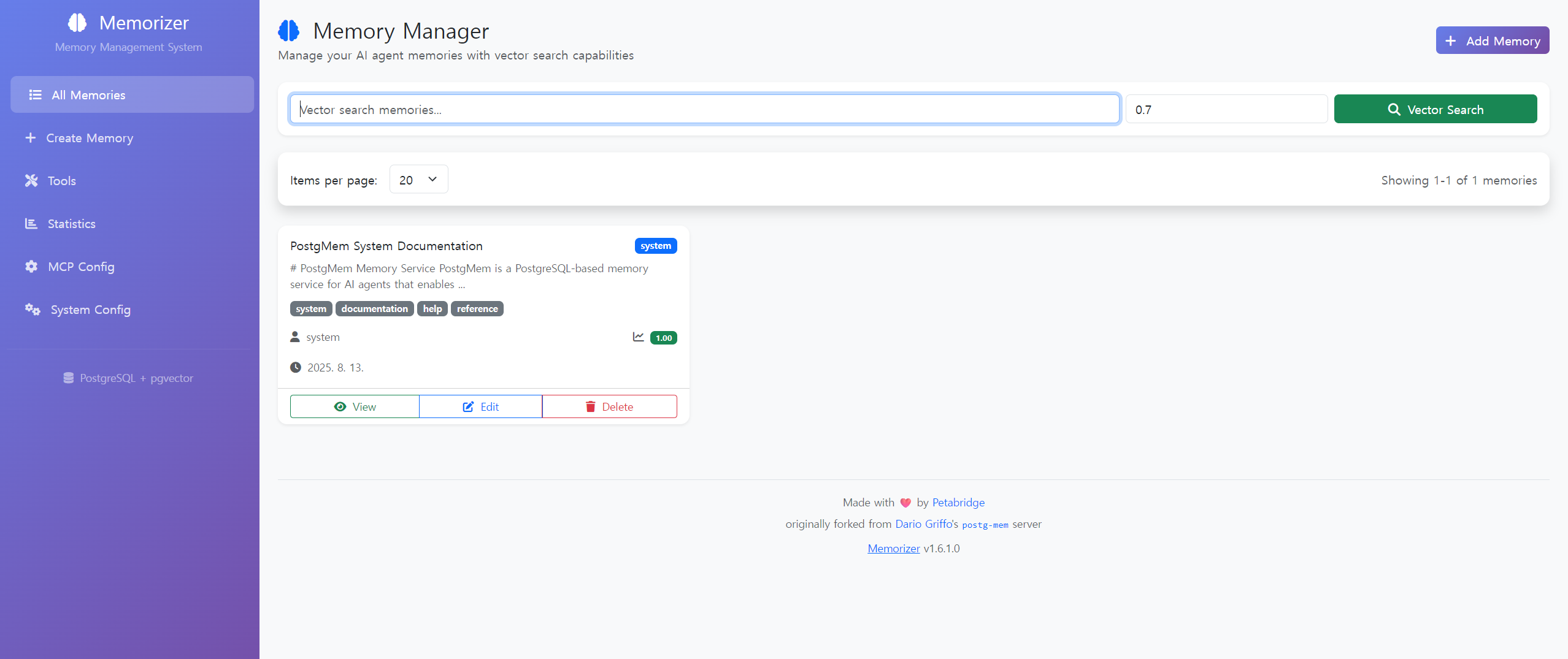
메모리생성(지식)
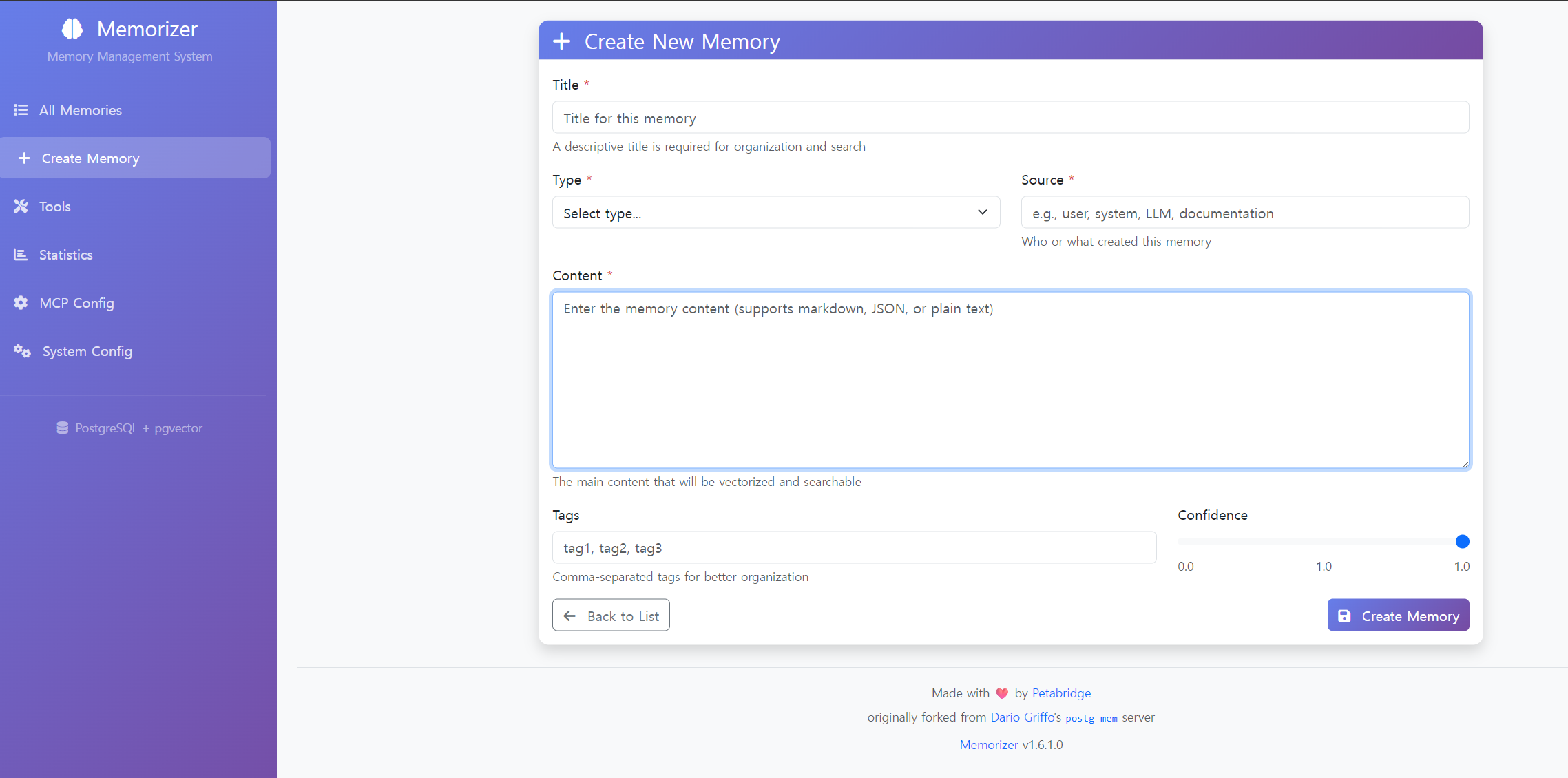
RAG화
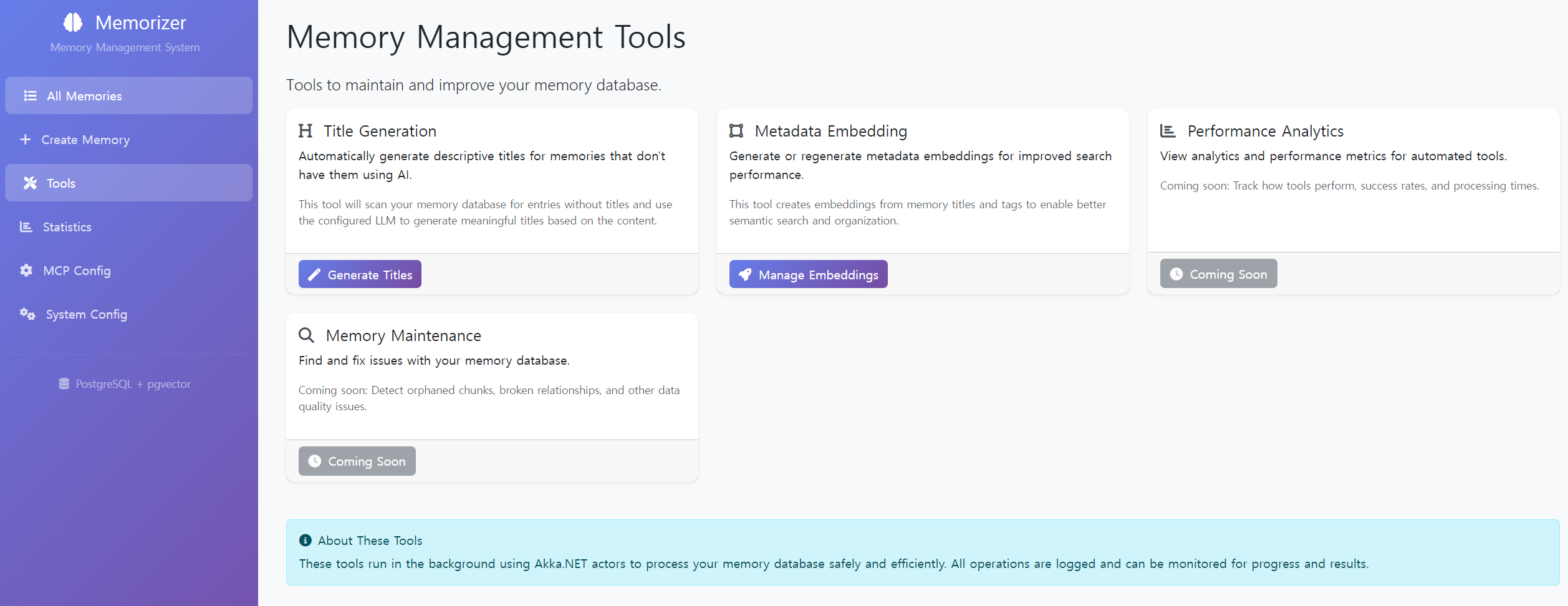
관련 영상
영상분석
- https://lilys.ai/digest/5358112/4901676?s=1¬eVersionId=1215157
- https://lilys.ai/digest/5358088/4901544?s=1¬eVersionId=1215015